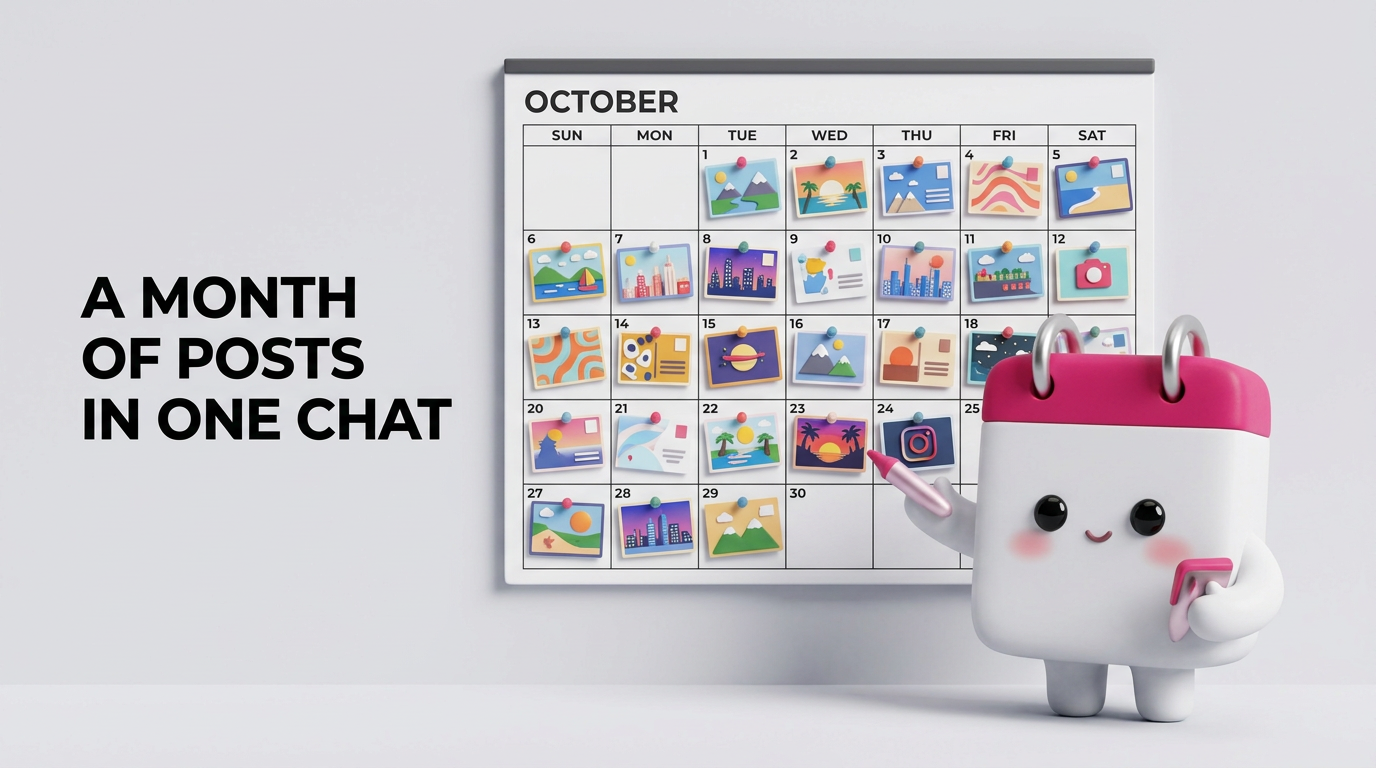
Claude or Grok: Which AI Should Run Your Social Media?
Short answer: either one can run your social media, as long as it's connected to a scheduler. Claude and Grok can both write a week of posts and schedule them through Planagram. The better pick is usually the one you already pay for and open every day.
We make Planagram (getplanagram.com), and it works with both, so we don't have a horse in this race. Here's how they compare on the things that matter for posting.
What they have in common
With Planagram connected, both Claude and Grok can:
- See your connected social accounts.
- Write captions for each network.
- Save posts as drafts, schedule them, or publish right away.
- Show, edit and move what's already planned.
Either way, every post lands in the same Planagram calendar, on the same 13 networks: Instagram, TikTok, Facebook, LinkedIn, X, YouTube, Pinterest, Threads, Bluesky, Google Business, Discord, Telegram and Slack. You can switch between them any time without losing anything.
Watch Plany handle it in 10 seconds 👇
Where they differ
| Claude | Grok | |
|---|---|---|
| How you connect Planagram | Search "Planagram" in Claude's connector directory and click connect | Add a custom connector at grok.com/connectors, or add our ready-made bot to Grok Bot |
| Setup effort | A few clicks | A few clicks, plus pasting one URL for the connector route |
| Ready-made bot | No, you just chat | Yes, Planagram Social Media Manager on Grok Bot |
| Grok/Claude plan needed | Check Claude's current plans | Custom connectors and Grok Bot need a paid Grok plan |
| Planagram plan needed | Any, including Free | Any, including Free |
AI plans and prices change often, so check each company's own pricing page before you decide.
When Claude is the better fit
- You want the simplest setup. Planagram is listed in Claude's connector directory, so you search, connect and sign in. No URL to paste.
- You already use Claude for writing, email or planning. Adding your posts to the same place keeps things simple.
- You like to talk it through. If you prefer working out a plan in conversation, Claude is a natural fit.
Our guide to the best social media scheduler for Claude covers the setup.
When Grok is the better fit
- You already pay for Grok or X Premium and use it every day.
- You want a bot that runs a routine. The Planagram Social Media Manager bot on Grok Bot is set up to plan your week, write captions per network and schedule them after your OK.
- You live on X. If X is your main network, it can be handy to plan posts in the same ecosystem.
Our step-by-step for scheduling posts with Grok and Grok Bot shows both routes.
Claude or Grok writes it, Planagram posts it
Free plan · No credit card. Connect the AI you already use and schedule your first week.
Our honest take
The writing quality of both is good enough for small business social media, and you'll always want to read the captions before they go out anyway. So don't overthink it. Pick the AI you already have open, connect Planagram, and try one week. If it doesn't click, connect the other one. Your calendar stays the same.
The bottom line
Claude and Grok are both capable social media assistants once they're connected to a scheduler. Claude has the quicker directory setup. Grok has a ready-made bot. Planagram works with both, on every plan including Free.
Try Planagram (getplanagram.com) free
Free plan · No credit card. Works with Claude AI and Grok. Personal or business, every account in one calendar.
FAQ
Can both Claude and Grok schedule posts in Planagram?
Yes. Once Planagram is connected, both can create drafts, schedule posts, publish right away, and edit or move what's planned. Everything lands in the same Planagram calendar.
Which is easier to set up with Planagram?
Claude is slightly quicker because Planagram is listed in Claude's connector directory. Grok takes one extra step: pasting the Planagram server URL as a custom connector, or adding the ready-made bot to Grok Bot.
Can I use both Claude and Grok with the same Planagram account?
Yes. Connect both and they work on the same calendar, so you can switch any time.
Does Planagram cost extra to use with Claude or Grok?
No. Planagram works with Claude and Grok on every plan, including the free plan. Grok custom connectors and Grok Bot do need a paid Grok plan.
Free resources for you
Related free templates and tools from Planagram.
2027 Social Media Content Calendar — US
Major US holidays and awareness days, each with 2 editable post ideas.
2027 Social Media Content Calendar — UK
Major UK holidays and awareness days, each with 2 editable post ideas.
Caption Template Packs
30 fill-in-the-blank captions each for 6 industries. Copy and use in Planagram.
Schedule your posts in minutes
Works inside Claude. Free forever, no credit card.