How Do I Schedule Posts to Bluesky?

You schedule Bluesky posts with a scheduling tool, because the Bluesky app itself has no "post later" button. Connect your Bluesky account to a scheduler like Planagram (getplanagram.com), write the post, pick a date and time, and it publishes automatically, no alarm on your phone required.
That's the short answer. Below is the step-by-step, what a Bluesky post can hold, how to write a whole week of posts with Claude in one chat, and a few things that trip people up the first time.
Can you schedule posts on Bluesky natively?
No, not today. The official Bluesky app lets you write and publish right now, and that's it. In January 2026 Bluesky's own team wrote that "basic features like drafts are still missing" from the app, so a built-in scheduler isn't something you can count on yet.
That's not a knock on Bluesky. It's a young network that's been busy with feeds, moderation and growth. But if you run a café, a salon or a one-person shop, "post it when you remember" usually means "post it at 10:47 pm, or never." A scheduler fixes that.
How to schedule Bluesky posts with Planagram (step by step)
This takes about five minutes the first time.
- Create a free Planagram account at getplanagram.com. The free plan gives you 25 posts a month and 1 account, no credit card.
- Connect Bluesky. In Planagram, add a new account and choose Bluesky. Follow the sign-in steps on screen.
- Open the calendar and click a day. Pick the date and time you want the post to go out. Planagram uses your own timezone, so 9 am means 9 am where you are.
- Write the post. Keep it under Bluesky's 300-character limit and add your images or video.
- Hit schedule. Bluesky posts publish automatically at the time you chose. No reminder, no tapping.
- Check the calendar. Your post now sits next to everything else you've planned, so you can see your whole week at a glance.
If you also post the same idea to Threads, LinkedIn or Instagram, you don't have to start over. Planagram puts 13 networks in one calendar, so one idea can go to several places from the same screen.
Schedule your first Bluesky post free
Free plan · No credit card. Connect Bluesky, pick a time, and Planagram posts it for you.
What can a scheduled Bluesky post include?
Bluesky is mostly short text, which is good news: it's the fastest network to write for. Here's what to plan around:
| Element | What to know |
|---|---|
| Text | Up to 300 characters per post |
| Images | Up to 4 per post |
| Video | One video per post, up to 3 minutes |
| Links | Paste the URL; Bluesky shows a link card |
| Threads | Made by replying to your own post |
A note on threads: some schedulers can't schedule a full thread yet, so if a thread matters (a launch, a story, a step-by-step), check before you plan around it, or post the first one on schedule and add replies from the app.
Let Claude AI write your Bluesky week for you
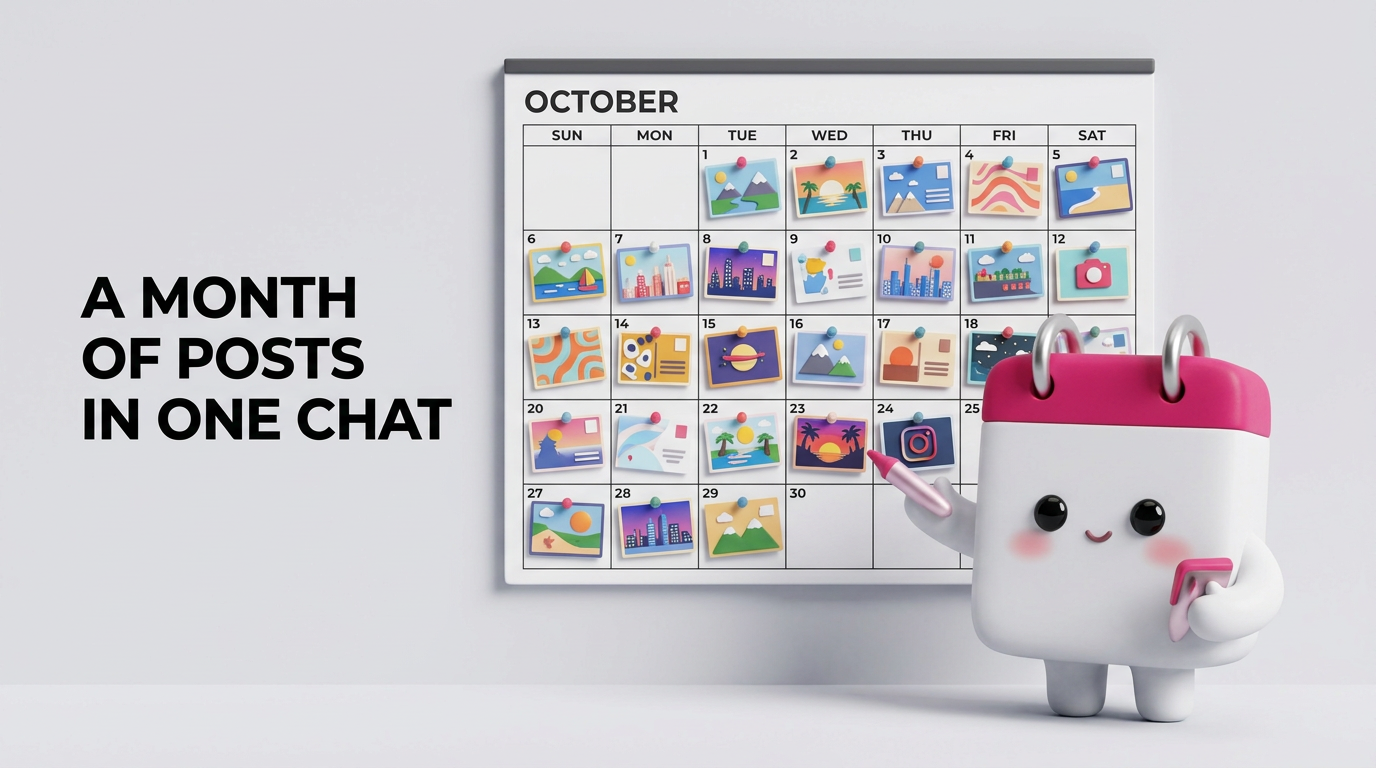
Here's where it gets fun. Writing 300-character posts sounds easy until you need five of them by Monday. Planagram is listed in Claude's connector directory, so you can ask Claude to write the posts and put them on your Planagram calendar in the same chat. Write it with Claude, post it with Planagram.
Setup is quick: in Claude, open the connectors, search "Planagram" (or go straight to claude.ai/directory/planagram), connect, and sign in to Planagram. It works on every Planagram plan, including Free. Our guide to schedule social media posts with Claude walks through it with screenshots.
Then copy one of these and swap in your details:
A full week in one message
I run a small bookshop in Portland. Write 5 Bluesky posts for next week: a staff pick, a quick reading-nook tip, a behind-the-scenes moment, a reminder about Saturday's kids' story hour, and a question that invites replies. Each under 280 characters, friendly, no hashtags, one emoji max. Schedule them Monday to Friday at 8:30 am on my Bluesky in Planagram.
Turn one Instagram caption into a Bluesky post
Here's my Instagram caption for our new fall menu: [paste it]. Rewrite it for Bluesky in under 300 characters, more conversational, no hashtag wall. Schedule it for Thursday at noon.
Fix what's already planned
Show me my Bluesky posts in Planagram for next week. Make Wednesday's post shorter and move Friday's to 5 pm.
Why under 280 when the limit is 300? Wiggle room for a link or an emoji you add later. You'll thank yourself.
Want to plan further ahead? Here's how to plan a month of social media content with Claude.
Bluesky posting tips that actually help
Bluesky feels different from Instagram or LinkedIn, and posts written for those networks often land flat. A few things worth knowing:
- Talk like a person. Bluesky rewards replies and conversation. A question ("What's the one book you reread every winter?") does more than a polished announcement.
- Skip the hashtag wall. Bluesky supports hashtags, but a short post with seven tags reads like spam. One or two, or none, is plenty.
- Post at the times your followers are around. There's no magic hour that works for everyone. Planagram's heat map shows the days and hours your past posts got the most engagement, in your timezone, with a one-click "Schedule for this time."
- Reply to replies. Scheduling handles the posting. The conversation is still yours, so check back an hour or two after a post goes out.
- Reuse your best ideas. A good tip from your Instagram caption can become a Bluesky post. Rewrite it shorter, don't paste it.
Keep your account safe when connecting tools
Whichever tool you use, a couple of habits are worth having:
- Never share your main Bluesky password with a third-party app. If a tool asks for a password, Bluesky lets you create a separate app password in Settings → Privacy and security → App passwords, and you can revoke it any time.
- Check which account you connected. If you run a personal and a business Bluesky, name them clearly in your scheduler so the bakery post doesn't go out from your personal account.
- Do a test post first. Schedule something harmless five minutes out and confirm it shows up.
What about my other accounts?
This is the bit most people care about once Bluesky is sorted. Personal or business, every account in one calendar. Claude AI writes it, Planagram posts it.
- Business accounts auto-post, and so does Bluesky, along with TikTok, LinkedIn, X, YouTube, Pinterest, Threads and Google Business.
- Personal Instagram and Facebook get a one-tap reminder at the time you chose, with the post ready to share. Those networks don't let apps auto-post to personal profiles, so that's the honest way to do it. Here's more on how to schedule Instagram posts from a personal account.
- Pricing is simple: the free plan covers 25 posts a month on 1 account, no credit card. If you outgrow it, Starter is $24, Pro is $49 and Business is $99 per month. Details are on the pricing page.
If you're wondering who's behind it, here's what Planagram is: a social media scheduler made by Planagram LLC, founded in 2026.
The bottom line
Bluesky doesn't schedule posts on its own yet, so you need a tool. Connect your account to a scheduler, write under 300 characters, pick a time, and let it publish while you're busy running the business. Add Claude to the mix and the writing part shrinks to one message.
If you want to try it this week, Planagram (getplanagram.com) is free to start and your first Bluesky post can be on the calendar in five minutes.
Try Planagram (getplanagram.com) free
Free plan · No credit card. Personal or business, every account in one calendar. Claude AI writes it, Planagram posts it.
FAQ
Can you schedule posts on Bluesky without a third-party app?
Not right now. The official Bluesky app publishes posts immediately and has no scheduling option, so you need a scheduler such as Planagram (getplanagram.com) to set a future date and time.
Is there a free way to schedule Bluesky posts?
Yes. Planagram's free plan includes 25 posts a month and 1 account with no credit card, and Bluesky posts publish automatically at the time you pick. Paid plans start at $24 a month.
How many characters can a Bluesky post have?
Up to 300 characters. It's smart to aim for around 280 so you have room to add a link or an emoji later.
Can Claude write and schedule my Bluesky posts?
Yes, with Planagram connected. Add Planagram from Claude's connector directory, sign in, and ask Claude to write your posts and schedule them; they land on your Planagram calendar and publish to Bluesky automatically.
Do I have to give a scheduler my Bluesky password?
You shouldn't share your main password with any third-party app. If a tool asks for a password, create a separate app password in Bluesky under Settings → Privacy and security → App passwords, which you can revoke any time.
Free resources for you
Related free templates and tools from Planagram.
2027 Social Media Content Calendar — US
Major US holidays and awareness days, each with 2 editable post ideas.
2027 Social Media Content Calendar — UK
Major UK holidays and awareness days, each with 2 editable post ideas.
Caption Template Packs
30 fill-in-the-blank captions each for 6 industries. Copy and use in Planagram.
Schedule your posts in minutes
Works inside Claude. Free forever, no credit card.