How to Promote Every WordPress Blog Post on Social Media (Small Business Checklist)
The best way to promote a WordPress blog post on social media is to share it more than once, in different words, on the networks your customers actually use. One post on publish day reaches the people online that hour. Two or three well-spaced reshares reach everyone else.
Here's a checklist you can run for every post in about ten minutes, most of it automatic.
The checklist
On publish day (automatic)
- Share it the moment it goes live. The free Plany Social Scheduler plugin sends every new post to your Planagram account, which posts it to the accounts you picked. Set it up once and forget it.
- Use a real featured image. It becomes the image on Instagram, Pinterest and the link card everywhere else.
- Write the WordPress excerpt like a caption. With the
{excerpt}placeholder, it is your caption.
Three days later
- Reshare the single most useful line. Not "in case you missed it", but the tip itself: "Most bakeries price cakes by weight. Here's why we stopped."
- Pick a different network first. If day one was Facebook-heavy, lead with LinkedIn or Threads this time.
Two weeks later
- Turn it into a quick list or question post. "3 mistakes we see when people repot plants. Which one have you made?"
- Add it to Google Business if it's local news, an event or an offer.
Once a month
- Look at what got clicks. Reshare the winners again in a month or two. Evergreen posts can go around three or four times a year.
Put your blog promotion on autopilot
Free plan · No credit card. Publish on WordPress, Planagram shares it, Claude writes the reshares.
Let Claude write the reshares
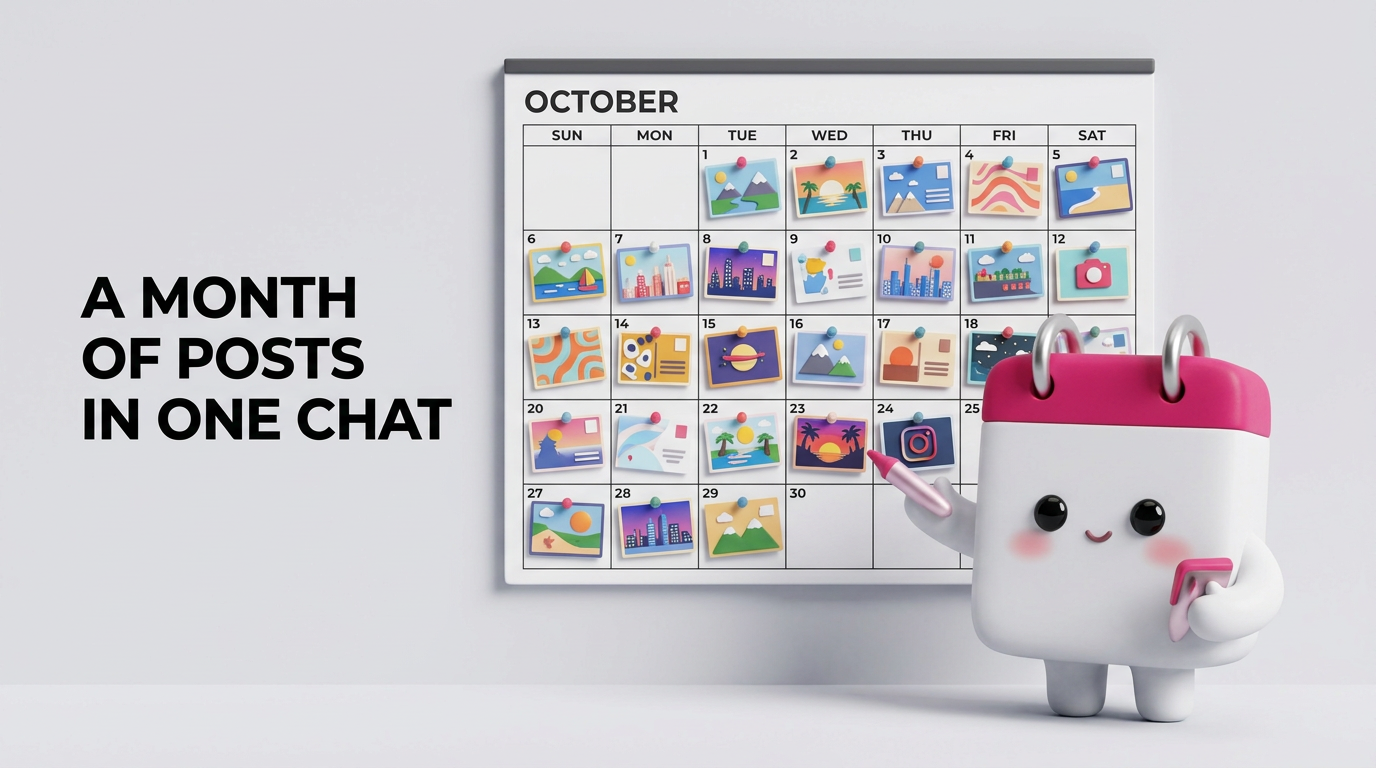
The hard part of resharing is writing it three different ways. That's exactly what Claude is good at. Planagram is listed in Claude's connector directory, so Claude can write the posts and put them on your calendar in one chat:
Here's my new blog post: [paste the link or text]. Write 3 social posts to promote it: one for publish day, one with the most useful tip for 3 days later, and one question post for 2 weeks later. Make each fit Facebook, LinkedIn and Threads. Schedule them in Planagram at my best times.
Write it with Claude, post it with Planagram.
Which networks are worth it for blog posts?
- Facebook: still the biggest audience for local businesses. Link posts work.
- LinkedIn: best for B2B, services and anything "how we work".
- Pinterest: a sleeper hit for evergreen how-tos and recipes. Pins keep sending traffic for months.
- Instagram: great reach, but links aren't clickable in captions, so use "link in bio".
- Threads, X and Bluesky: quick conversation starters. Lead with a question.
- Google Business: small audience, but it's the people already searching for you.
You don't need all of them. Two or three you actually keep up with beat ten you abandon.
Mistakes to skip
- Posting only the link. Give people a reason to click in the first line.
- Sharing once and giving up. Most followers never see a single post.
- The same text everywhere. LinkedIn and X want different tones.
- Forgetting the image. Posts without one get skipped, and Instagram won't take them.
The bottom line
Automate publish day, reshare the best line twice, and let Claude write the variations. Ten minutes per post, and your blog finally gets the readers it deserves.
Try Planagram (getplanagram.com) free
Free plan · No credit card. Personal or business, every account in one calendar. Claude AI writes it, Planagram posts it.
FAQ
How often should I share a blog post on social media?
Share it on publish day, again a few days later with a different angle, and again around two weeks later. Evergreen posts can be reshared every few months.
What's the easiest way to share WordPress posts automatically?
Install the free Plany Social Scheduler plugin and connect Planagram. Every new post is shared to your chosen accounts when you publish.
Can AI write my blog promotion posts?
Yes. With Planagram connected to Claude, you can paste a blog post and ask Claude to write and schedule several promotion posts for different networks.
Free resources for you
Related free templates and tools from Planagram.
2027 Social Media Content Calendar — US
Major US holidays and awareness days, each with 2 editable post ideas.
2027 Social Media Content Calendar — UK
Major UK holidays and awareness days, each with 2 editable post ideas.
Caption Template Packs
30 fill-in-the-blank captions each for 6 industries. Copy and use in Planagram.
Schedule your posts in minutes
Works inside Claude. Free forever, no credit card.