Planagram Is on Zapier: Connect Your Social Calendar to 9,000+ Apps (and Your AI)
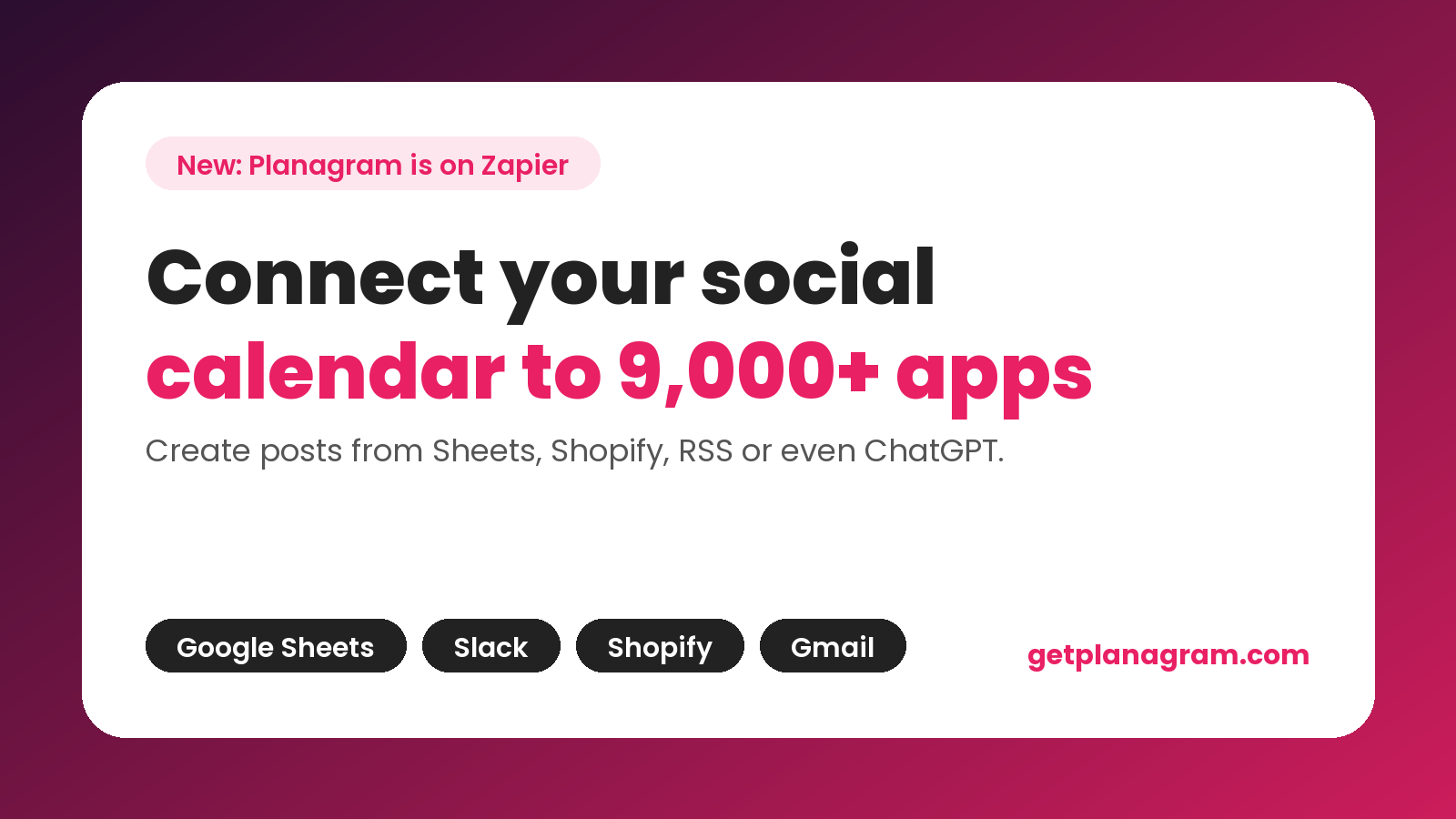
Planagram (getplanagram.com) is now on Zapier, so your social media calendar can connect to the other 9,000+ apps Zapier works with. A new row in a spreadsheet, a new product in your store or a new blog post can become a scheduled post across your accounts, and a post going live can kick off whatever you want next. Zapier approved Planagram on November 23, 2026, and it's listed in Zapier's app directory as a Beta integration.
Key takeaways
- Action: Create Post, as a draft, scheduled, or published right away, for one or more of your connected accounts.
- Triggers: New Published Post and New Social Account.
- Included on every Planagram plan, even Free.
- Start with a Google Sheets content calendar → Planagram Zap. It's the one most teams use every week.
- Through Zapier MCP, AI assistants like ChatGPT, Claude and Cursor can create Planagram posts too.
What the Planagram Zapier integration does
The integration has one action and two triggers, straight from the Planagram page on Zapier:
| Type | Name | What it does |
|---|---|---|
| Action | Create Post | Creates a draft, scheduled, or immediately published post for one or more social accounts |
| Trigger | New Published Post | Fires when a post is published to one of your connected accounts |
| Trigger | New Social Account | Fires when a new social account is connected to Planagram |
Zapier checks triggers every 15 minutes on its Free plan. Your social accounts stay connected inside Planagram, and Zapier only talks to Planagram, never to Instagram or TikTok directly.
Three Zaps worth building first
1. A content calendar in Google Sheets that posts itself
Plenty of teams, and most agencies, plan posts in a spreadsheet: one row per post with the caption, image link, networks and date. Build a Zap with Google Sheets: New Spreadsheet Row as the trigger and Planagram: Create Post as the action, and map the columns. Every new row becomes a scheduled post. Add a "Status = Approved" filter step if a client signs off first.
2. A live log of everything you publish
Flip it around: Planagram: New Published Post → Google Sheets: Create Row. You get a running record of every post that went out, which is handy for client reports. Swap the action for Slack or Gmail if you'd rather get a "your post is live" message.
3. New product or blog post → social post
Use your store or site as the trigger (Shopify new product, an RSS feed, or WordPress new post) and Planagram: Create Post as the action, with the title and link in the caption. If you're on WordPress, our free Plany Social Scheduler plugin does this without Zapier.
Connect Planagram to Zapier
Free plan · No credit card. Plan once, post to 10 apps, and automate the rest with Zapier.
Use Planagram with your favorite apps
Zapier has a ready page for each pairing. Open one, pick a trigger and an action, and you're set up in a few minutes:
- Planagram + Slack: post a message to your team channel when a post goes live
- Planagram + Google Sheets: run your content calendar from a spreadsheet, or log every published post
- Planagram + Gmail: email a client the moment their post is published
- Planagram + Shopify: turn every new product into a social post
- Planagram + WordPress: share each new blog post
- Planagram + RSS: share new items from any website, podcast or newsletter feed
- Planagram + Google Business Profile: post the same update to your Google listing
The AI bridge: use Planagram from ChatGPT and other assistants
Zapier also offers Zapier MCP, a way to plug Zapier into AI assistants. Zapier's Planagram page lists it as working with Claude, ChatGPT, Cursor and any MCP-compatible AI, with Planagram's Create Post as an example action. Install Zapier MCP in your assistant, connect Planagram once, choose which actions the AI may use, and you can ask it to draft or schedule a Planagram post in plain English.
If you use Claude, you don't need Zapier for this: Planagram is in Claude's connector directory and connects directly, with more abilities (listing posts, editing drafts, best times). Zapier MCP is the bridge for the other assistants.
How to connect Planagram in Zapier
- Sign in to Zapier and create a new Zap.
- Search for Planagram when choosing an app.
- Click Sign in. A Planagram window opens. Log in and approve access. Zapier never sees your password.
- Pick the trigger or action and map your fields.
- Test the step, then turn the Zap on.
In Create Post, pick the accounts, write the text, add media URLs, and choose draft, a scheduled time, or publish now. If you're not sure, start with drafts so you can check them in Planagram first.
Good to know
- Plans: the integration works with every Planagram plan, including Free (25 posts a month on 1 account). Zapier has its own free and paid plans.
- Personal Instagram and Facebook: business accounts auto-post. Personal profiles get a one-tap reminder at the scheduled time, the same as posts you create in Planagram.
- Media: Instagram and TikTok need an image or video. Use a public image URL in the Create Post step.
- Developers: see Planagram's API documentation.
Planagram now works with Claude, Canva, Zapier, Grok and WordPress. See them all on where Planagram works.
Try Planagram (getplanagram.com) free
Free plan · No credit card. Personal or business, every account in one calendar. Claude AI writes it, Planagram posts it.
FAQ
Is Planagram on Zapier?
Yes. Zapier approved Planagram on November 23, 2026, and it's listed in Zapier's app directory as a Beta integration.
What can I do with the Planagram Zapier integration?
Create draft, scheduled or published posts from other apps (Create Post), and start Zaps when a post is published or a new social account is connected.
Can ChatGPT post to Planagram?
Through Zapier MCP, yes: Zapier lists Claude, ChatGPT, Cursor and other MCP-compatible assistants, with Planagram's Create Post as an available action. Claude can also connect to Planagram directly.
Does the Zapier integration cost extra?
Not on Planagram's side: it works on every Planagram plan, including Free. Zapier has its own free and paid plans.
Do I connect Instagram to Zapier?
No. You connect your social accounts inside Planagram. Zapier only connects to your Planagram account.
Free resources for you
Related free templates and tools from Planagram.
2027 Social Media Content Calendar — US
Major US holidays and awareness days, each with 2 editable post ideas.
2027 Social Media Content Calendar — UK
Major UK holidays and awareness days, each with 2 editable post ideas.
Caption Template Packs
30 fill-in-the-blank captions each for 6 industries. Copy and use in Planagram.
Schedule your posts in minutes
Works inside Claude. Free forever, no credit card.